Physical Address
304 North Cardinal St.
Dorchester Center, MA 02124
Physical Address
304 North Cardinal St.
Dorchester Center, MA 02124
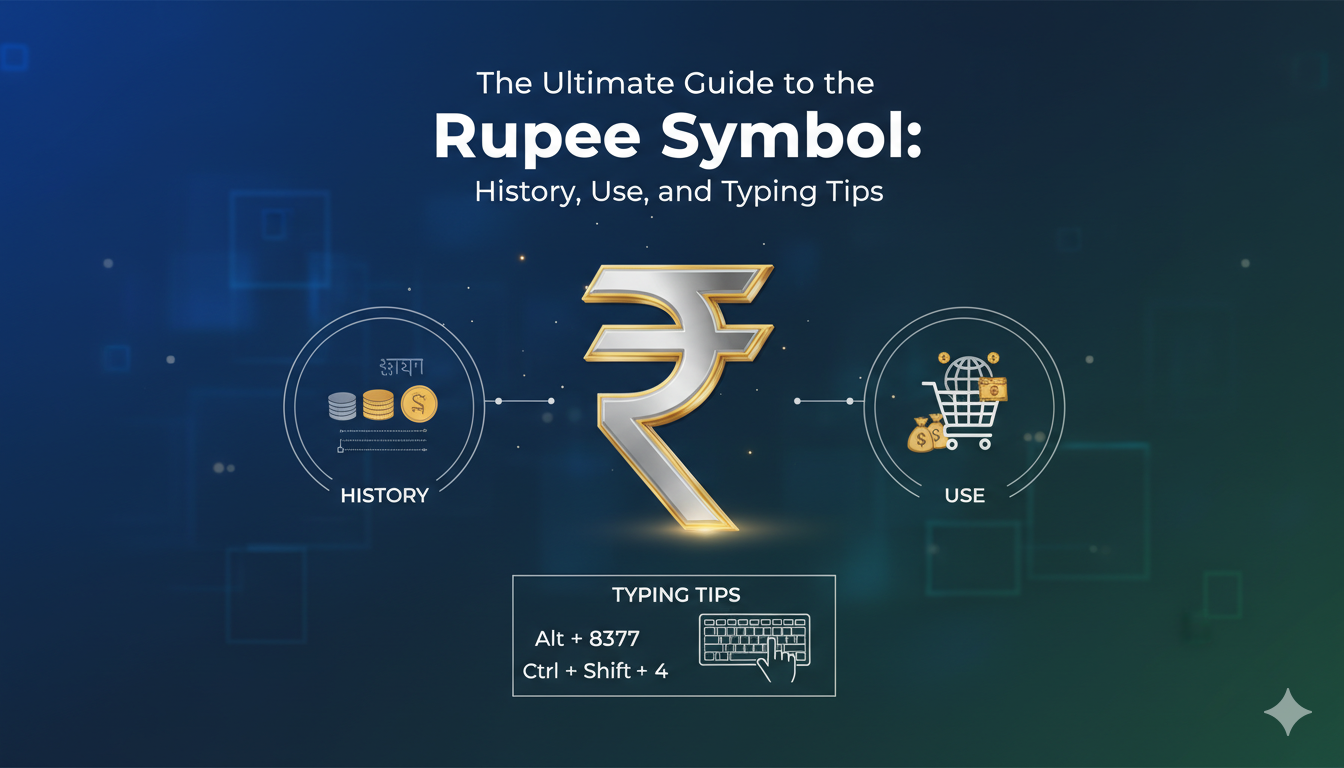
The world of money is full of unique signs, but few are as beautiful as the rupee symbol. If you have ever looked at an Indian bank note or a price tag in Delhi, you have seen this elegant character. It looks like a blend of a letter and a few straight lines. This symbol is not just a pretty design; it represents the strength of one of the world’s fastest-growing economies. Understanding how to use the rupee symbol is very helpful for travelers, business owners, and students. In this guide, we will explore where it came from, how it was made, and how you can easily type it on your own computer or phone.
The rupee symbol (₹) is the official currency sign used for the Indian Rupee. Before this design was created, people used to write “Rs” or “Re” to show they were talking about money. However, India wanted something unique that stood out on the global stage, just like the Dollar or the Euro. The new design was introduced to the public in 2010. It combines the Devanagari letter “Ra” with the Roman capital letter “R” without the vertical bar. This mix shows that India respects its traditional roots while also looking forward to a modern, international future.
Every great symbol has a creator, and the rupee symbol is no different. It was designed by a talented man named Udaya Kumar Dharmalingam. He was a post-graduate student at the Indian Institute of Technology (IIT) Bombay when he won a nationwide contest. The government asked people to send in their best ideas, and thousands of designs were submitted. Udaya’s design was chosen because it was simple, easy to write, and very meaningful. It reflects the Indian tricolor flag through the two horizontal lines at the top. These lines also represent an “equal to” sign, which symbolizes economic balance and prosperity for the nation.
You might wonder why India decided to change from “Rs” to the rupee symbol. Having a distinct sign helps a currency get recognized quickly all over the world. When you see “$”, you immediately think of the United States. When you see “£”, you think of the United Kingdom. By adopting the rupee symbol, India made its currency look professional and official in international markets. It also helps avoid confusion because many other countries, like Pakistan, Sri Lanka, and Nepal, also call their money the “rupee.” Having its own special sign makes the Indian currency stand out clearly from the rest.
| Feature | Details of the Indian Rupee |
| Official Name | Indian Rupee |
| Current Symbol | ₹ (rupee symbol) |
| ISO Code | INR |
| Designer | Udaya Kumar Dharmalingam |
| Year Adopted | 2010 |
| Smallest Unit | Paisa (100 Paise = 1 Rupee) |
| Central Bank | Reserve Bank of India (RBI) |
| Security Features | Watermarks, holograms, and security threads |
Typing the rupee symbol on a Windows computer is actually quite simple once you know the secret shortcut. Most modern keyboards in India already have the sign printed on the “4” key. To make it appear, you can press the Ctrl + Alt + ₹ keys at the same time. If that does not work, try pressing Right Alt + ₹. Some people also use the Unicode shortcut, which involves typing 20B9 and then pressing Alt + X. These quick tricks make it very easy to write professional reports or send emails about prices without having to copy and paste the sign from a website every single time.
If you are using an Apple MacBook or an iMac, the steps to find the rupee symbol are slightly different. First, you need to make sure your keyboard language is set to “Indian English.” Once that is ready, you can usually press the Option + 4 keys together. This should make the beautiful symbol appear instantly on your screen. Apple makes it very intuitive for users around the globe to access local currency signs. Whether you are making a budget in a spreadsheet or writing a school project, having the rupee symbol at your fingertips saves a lot of time and effort.
In our modern world, we do most of our chatting on mobile phones. Both Android and iPhone keyboards have the rupee symbol built right in. On most phones, you just need to tap the “?123” button to see the numbers and symbols. If your keyboard is set to English (India), the symbol will be right there next to the dollar sign. Sometimes, if you long-press the dollar sign ($), a small menu will pop up showing other currency marks like the rupee symbol. This makes it super fast to tell your friends how much those cool new shoes cost when you are out shopping.
For people who build websites or write computer code, the rupee symbol has its own special codes. In HTML, you can use the code ₹ to make the symbol show up on a webpage. Because it is part of the “Unicode” standard (specifically U+20B9), almost every modern browser and app can display it correctly. This is very important for online stores and banking apps. When a customer sees the rupee symbol next to a price, they feel more confident that the website is made for them and is safe to use for their local transactions.
Did you know that the rupee symbol is designed to look like it is “flying”? The horizontal lines at the top are meant to represent the Indian flag fluttering in the wind. Also, India was the fifth country in the world to have a unique symbol for its currency, joining an elite club with the US, UK, Japan, and the Eurozone. Since 2010, the sign has appeared on every new coin and banknote printed by the Reserve Bank of India. It has become a symbol of national pride, showing how much the country has grown and how important its money is in the global trade market.
When using the rupee symbol, it is important to place it in the right spot. In India, the symbol is usually written before the number, without a space. For example, you should write ₹100 instead of 100₹. Another common mistake is using the old “Rs” in formal business documents. While people still understand what “Rs” means, using the official rupee symbol looks much more modern and professional. Also, make sure you are using the correct Unicode character (U+20B9) and not just a capital “R” with lines drawn through it, as that might not look right on everyone’s screen.
The rupee symbol is a powerful icon that tells a story of tradition, art, and economic growth. From its humble beginnings in a design contest to its place on millions of digital screens, it has changed how the world sees Indian money. Learning how to type and use this sign correctly is a great skill for anyone living in or doing business with India. It makes your writing look sharp and shows that you pay attention to detail. Next time you see that elegant curve and the two bold lines, you will know exactly what it stands for!
1. Who designed the official rupee symbol?
The symbol was designed by Udaya Kumar Dharmalingam, an associate professor and designer who won a national competition held by the Indian government.
2. Where should I place the rupee symbol when writing a price?
You should place the rupee symbol before the amount. For example, you should write ₹500.
3. What is the keyboard shortcut for the symbol on Windows?
The most common shortcut is pressing Ctrl + Alt + 4 or Alt Gr + 4 on an Indian English keyboard layout.
4. Does the symbol represent anything specific?
Yes! It is based on the Devanagari letter “Ra” and the Roman “R”. The two lines at the top represent the Indian flag and an “equal to” sign for economic balance.
5. Why did India move away from using “Rs”?
The government wanted a unique, recognizable symbol that would distinguish the Indian Rupee from other currencies also called the rupee, like those in Pakistan or Nepal.